Google Chat Pages Plugin
The Google Chat Pages Plugin creates a Google Chat bot which can respond to messages. It also includes an API for interacting with Google Chat (for example, for creating messages) without the need for user input. This API is useful for situations such as alerts.
Installation
Usage
The Plugin takes a function, which in turn takes an incoming message, and returns a Promise of a response message (or void if there should not be any response).
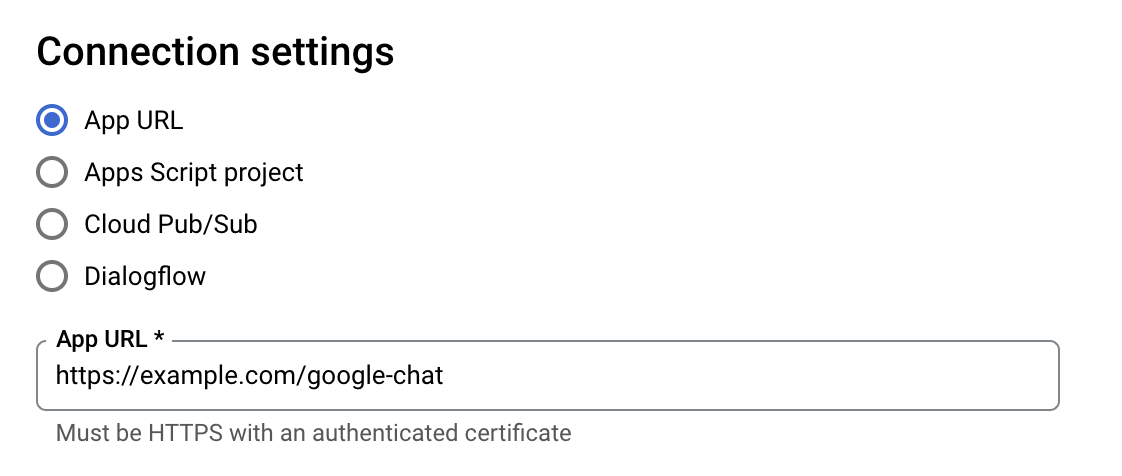
The Plugin only exposes a single route, which is the URL you should set in the Google Cloud Console when creating the bot.
API
The Google Chat API can be called directly using the GoogleChatAPI class:
We recommend storing your service account’s credentials in KV rather than in plain text as above.
The following functions are available on a GoogleChatAPI instance. Each take up to three arguments: an object of path parameters, an object of query parameters, and an object of the request body; as described in the
Google Chat API’s documentation
.